
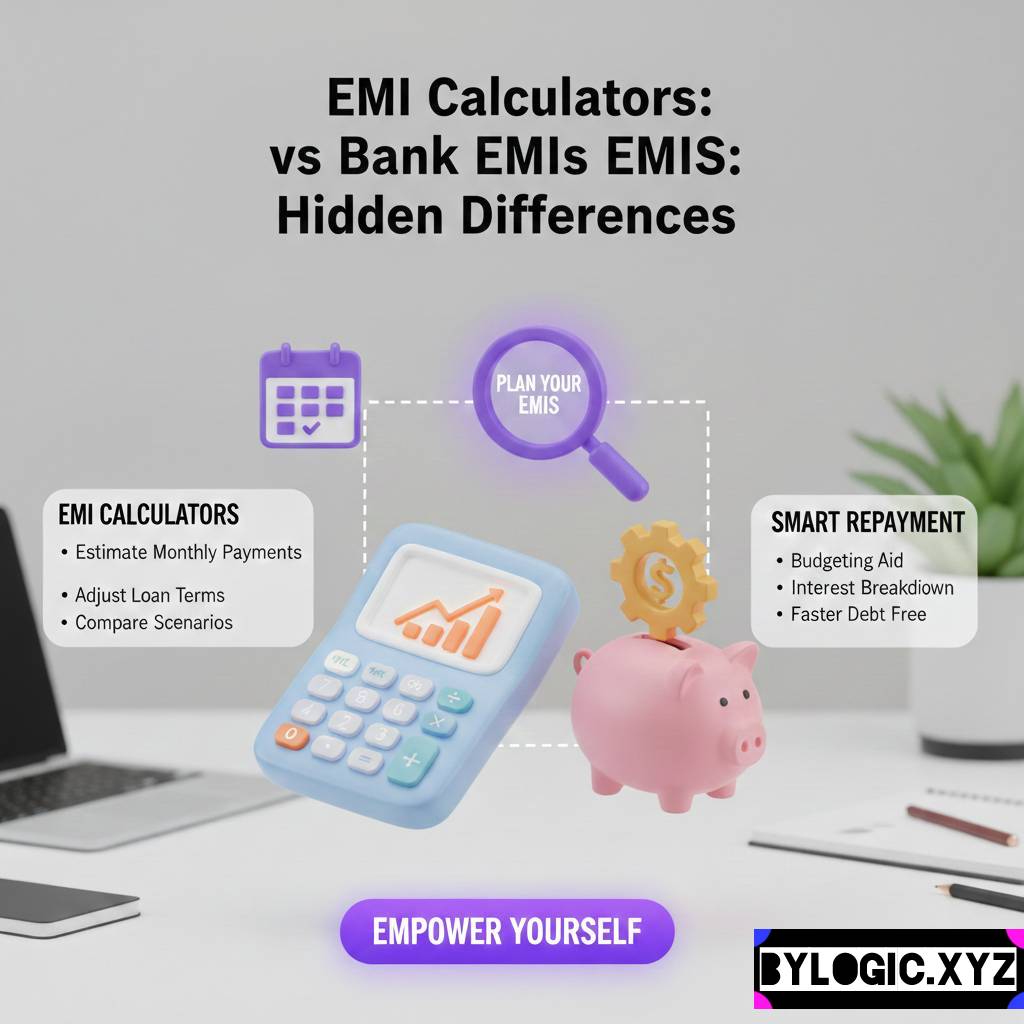
You may have noticed sometimes, how a ten-minute session with an online EMI calculator makes you feel like a math genius, only for the bank manager to hand you an “Offer Letter” that looks completely different? It’s like buying a shirt online that looks amazing on the model, but when it arrives, the fit is just… off. Let’s try to understand the differences b/w EMI calculators vs Bank EMIs.
I’ve spent years looking at loan structures, both as a consumer and someone who deconstructs financial products. If there is one thing I’ve learned, it’s that the “Calculated EMI” and the “Actual EMI” are two different species. One lives in a perfect, frictionless world of mathematics; the other lives in the messy, fee-ridden world of commercial banking.
YOU CAN ALSO READ:
Retirement planning for people without PF or pension: Useful guideLet’s talk about why your screen and your bank statement rarely agree.
The “Vanilla” Math vs. The Banking Reality
Most online EMI calculators use a very standard, “pure” mathematical formula. If you’re curious, it looks like this:
$$E = P times r times frac{(1+r)^n}{((1+r)^n - 1)}$$
Where $P$ is the principal, $r$ is the monthly interest rate, and $n$ is the number of months. It’s elegant. It’s clean. And it’s almost never the full story.
When you use a website’s tool, you plug in 10 Lakhs at 9% for 5 years, and it gives you a crisp number. But when you go to the bank, they don’t just give you 10 Lakhs. They give you 10 Lakhs minus a processing fee, or they give you 10 Lakhs and add a mandatory life insurance premium to the loan amount. Suddenly, your $P$ (Principal) isn’t 10 Lakhs anymore; it’s 10.25 Lakhs.
Bahut bada difference aa jata hai (A huge difference arises) just from that initial change in the principal amount.
The Hidden Villains: Why the Numbers Jump
1. The Insurance “Bundle”
This is the biggest culprit. Most banks especially for home and car loans will insist on “Credit Life Insurance.” They’ll tell you it’s for your family’s safety (which isn’t wrong), but they usually don’t tell you that they are adding that premium amount to your loan.
If your premium is ₹40,000, your loan is now ₹10,40,000. You are now paying interest on that insurance premium for the next 20 years. Your online calculator had no idea this was coming.
2. Broken Period Interest (The “Pre-EMI” Trap)
This one is sneaky. Suppose your loan is disbursed on the 10th of the month, but your EMIs are set to start from the 5th of the next month. What happens to the interest for those 20 days between the 10th and the 30th?
Banks call this “Broken Period Interest.” They might deduct it upfront from your loan amount or add it to your first EMI. Most online calculators assume your loan starts exactly one month before your first payment. Real life is rarely that symmetrical.
3. GST on Everything
Calculators don’t account for the government’s cut. There’s GST on processing fees, GST on documentation charges, and GST on any service related to the loan. While it doesn’t always change the EMI directly (if paid upfront), it certainly changes the “Net Disbursed Amount.” You might think you’re getting 10 Lakhs, but only 9.85 Lakhs hits your bank account.
A Real-Life Reality Check: Rahul’s Car Loan
Take my friend Rahul, for example. He found a great deal on a sedan and used a popular finance portal to calculate his EMI.
- Calculated EMI: ₹18,400.
- Bank’s Final Quote: ₹19,150.
He was annoyed. “It’s only ₹750 more,” he said, “but why?”
YOU CAN ALSO READ:
Health insurance waiting periods explained simplyWhen we looked at the breakdown, the bank had added a “Documentation Fee” of ₹5,000, a “Stamping Charge” of ₹500, and a “Loan Protection Insurance” of ₹12,000 into the loan principal. Plus, because his loan was disbursed mid-month, they tacked on ₹1,200 as broken-period interest.
Over 5 years, that ₹750 extra per month meant he was paying ₹45,000 more than his “calculator” told him. That’s a whole set of new tires and a couple of road trips!
Pro Tip: Always ask for the “Amortization Schedule” before signing. It’s a table that shows exactly how much of every single Rupee goes to interest vs. principal. If the bank won’t give you this, walk away.
How to Get an “Honest” Calculation (The DIY Method): EMI calculators vs bank EMIs
If you want to use a calculator and actually get a realistic number, you have to feed it better data. Don’t just put in the car price or the house price.
Step-by-Step for a Realistic Estimate:
- Inflate the Principal: Take the amount you need and add 2% to 3% to it. This roughly covers processing fees and basic insurance.
- Adjust the Rate: If the bank says 8.5%, calculate at 8.7% or 8.8%. This accounts for the minor fluctuations or “risk premiums” they might add after checking your credit score (CIBIL).
- Check the “Reset” Clause: Ask if the interest is “Monthly Reducing” or “Daily Reducing.” Most calculators assume monthly, but daily reducing balance is actually slightly better for you.
- Factor in the Out-of-Pocket: Remember that the “Down Payment” you calculated might increase because the bank won’t fund the “On-Road” price fully they usually only fund the “Ex-Showroom” price for cars.
The Myth of the “Flat Rate”
This is a classic old-school trick that still pops up in some personal loan or used-car loan offers. A “Flat Rate” of 7% sounds much better than a “Reducing Balance Rate” of 12%, right?
Wrong.
In a flat rate, you pay interest on the entire original loan amount for the whole tenure, even when you’ve already paid back half the money. In a reducing balance (which is what almost all modern calculators use), you only pay interest on what you still owe.
If a dealer tells you “Sir, interest rate is only 6% flat,” run the numbers through a “Flat to Reducing Converter” online. You’ll likely find out the real interest rate is closer to 11%. This is a huge gap that simple calculators often fail to explain to the user.
Why Do Banks Do This?
It’s not always about “tricking” you. Banking is a business of risk. The calculator is a marketing tool; the loan agreement is a legal contract. The bank has to account for the cost of processing your papers, the risk of you not paying back (hence insurance), and the cost of the capital they are lending you.
However, the lack of transparency is where the frustration lies. Asli game toh documentation mein chhupa hota hai (The real game is hidden in the documentation).
Final Thoughts: Don’t Fall in Love with the Calculator
EMI calculators are great for a “ballpark” figure. They help you decide if you can even afford a 50 Lakh home or if you should stick to a 40 Lakh one. But they are not the Bible.
When you move from the “browsing” phase to the “applying” phase:
- Ignore the EMI for a second and look at the Total Interest Payable over the life of the loan.
- Look at the Effective Interest Rate (EIR), which includes all those pesky fees.
- Ask about Pre-payment charges. A calculator won’t tell you that the bank might charge you 2% extra if you try to pay off your loan early.
At the end of the day, a loan is a product you are buying. You wouldn’t buy a car without looking under the hood, so don’t sign a 20-year mortgage just because a website gave you a number that looked “affordable.”
YOU CAN ALSO READ:
Term insurance myths that cost families lakhsContent shared here is just for educational purpose. Please consult your financial advisor before taking any financial decision.
Explore more categories:
https://bylogic.xyz/category/digital-payments-banking-and-personal-finance-tools/
https://bylogic.xyz/category/insurance-life-and-health/