
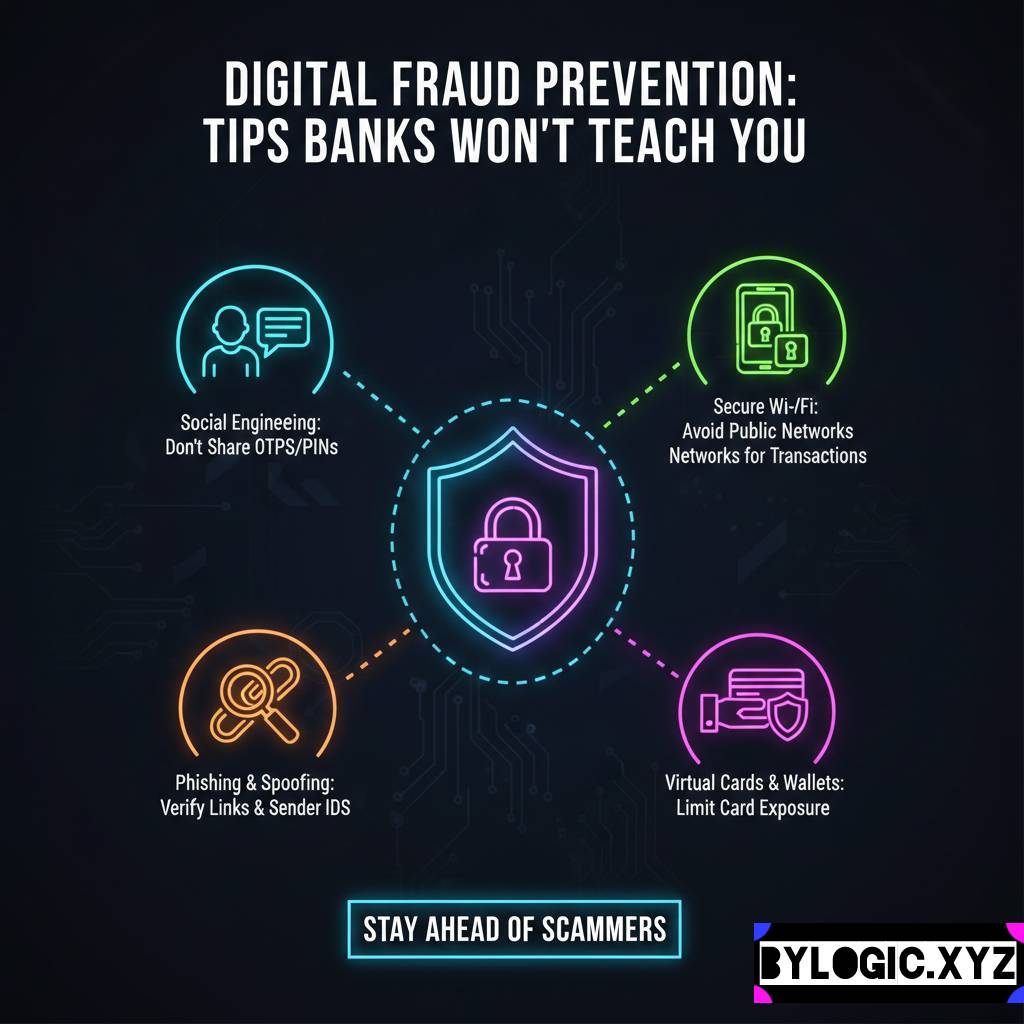
Ever followed Digital fraud prevention tips to secure your personal data? Here’s the thing about bank security advice: it’s usually correct, but it’s rarely complete. They drill the basics into us don’t share your OTP, check the URL, don’t click on weird links. We know this.
But if everyone knows it, why are smart people still getting scammed out of lakhs every single day?
YOU CAN ALSO READ:
Beginner mistakes that destroy long-term returnsI have a friend, let’s call him Sameer. He’s a tech guy, works in software. He thought he was too smart to be fooled. Yet, last year, he lost a significant chunk of his savings. It wasn’t because he shared an OTP. He got hit by something his bank never warned him about.
The truth is, scammers are evolving faster than bank advisories. They aren’t just hacking code anymore; they are hacking people and exploiting loopholes in the infrastructure that banks don’t control.
Banks focus on securing their apps. You need to focus on securing everything else around it. Here is the real-world toolkit for digital survival that you won’t find in the usual “stay safe” emails.
The Physical Backdoor: Your SIM Card
We treat our phone numbers like public information, but today, your phone number is practically your digital ID. Almost every financial service uses SMS for two-factor authentication.
Banks tell you to protect your banking app with a PIN or fingerprint. Great. But what protects the SIM card that receives the OTP to reset that PIN?
If a thief steals your phone, your screen lock is just a speedbump. They can pop your SIM card out, stick it in another phone, and suddenly, they are you. They can receive OTPs, reset passwords on your email, and eventually, get into your bank account.
The fix is incredibly simple, yet almost nobody does it.
How to lock your SIM card:
Every SIM card has a tiny, built-in security feature called a SIM PIN. It’s different from your phone’s screen lock PIN. When it’s active, if your phone restarts or the SIM is moved to a new device, it won’t connect to the network without that PIN. No network means no OTPs for the thief.
- Go to your phone settings.
- Search for “SIM PIN” or look under Security settings.
- The default PIN is usually 0000 or 1234 (check your operator’s website if these don’t work, don’t guess too many times or you’ll need a PUK code).
- Change it to something unique that you will remember.
Do this today. It takes two minutes and closes a massive security hole.
The “Call Forwarding” Trap (Yeh Scam Naya Hai)
This is one of the sneakiest tricks out there right now. It completely bypasses the “don’t share OTP” rule because the scammer doesn’t need you to share it they get it directly.
Here is how it usually plays out: You get a call from someone pretending to be from your mobile operator or an internet provider. They might say your SIM is about to be blocked, or they need to “reset your network” to improve 5G speeds.
To fix the “issue,” they ask you to dial a specific code on your phone dialer. It usually looks something like *401*followed by a 10-digit mobile number.
The moment you dial that, you have just activated unconditional call forwarding.
- The Reality: You didn’t fix your network. You just commanded your telecom operator to forward all incoming calls to the scammer’s number.
- The Danger: When they try to log into your bank account, the bank makes an automated call to give you the OTP (many banks do this now instead of SMS). That call gets forwarded straight to the scammer. They get into your account without you ever knowing a call came in.
How to protect yourself:
Never, ever dial a code that starts with * or # on someone else’s instructions, no matter how official they sound.
If you suspect call forwarding might be active on your phone, you can usually check by dialing *#21# or *#62# (check codes specific to your operator). It will show you if calls, data, or SMS are being forwarded elsewhere.
YOU CAN ALSO READ:
Health insurance waiting periods explained simplyThe Myth of “Incognito Mode”: Digital fraud prevention tips
Let’s talk about digital hygiene. Many people believe that using “Incognito Mode” or “Private Browsing” makes them safe for online banking.
The Myth: “If I use Incognito mode, hackers can’t steal my data.”
The Reality: Incognito mode only stops your browser from saving your history and cookies locally on your device. That’s it. It does absolutely nothing to stop malware already on your computer, keyloggers recording your typing, or hackers intercepting your data over public Wi-Fi.
If your computer is compromised, Incognito mode is useless.
A better approach for serious financial tasks is to use a dedicated browser. For example, use Chrome for your daily surfing, shopping, and social media. Install a completely different browser, like Firefox or Brave, and use it only for banking and financial investments.
Do not install any extensions on this banking browser. Many browser extensions have permission to read everything on the pages you visit, including your bank balance and transaction details. Keep it clean.
The Psychology of Urgency (How They Hack Your Brain)
This isn’t a technical trick; it’s an emotional one. And it’s why even smart people like my friend Sameer get caught.
Banks train us on technical steps. Scammers train to bypass our logic.
Every successful major scam relies on creating a state of panic or extreme urgency.
- “Your KYC is suspended, your account will be blocked in 10 minutes.”
- “A transaction of ₹55,000 was just made on your card. If this wasn’t you, click here immediately to reverse it.”
When your brain hears “account blocked” or “money lost,” your amygdala the fear center of your brain takes over. Your logical prefrontal cortex shuts down. You stop thinking and start reacting. You click the link, you download the “support” app (which is actually screen-sharing malware), and you hand over control.
How to handle it:
The moment you feel panic during a call or after reading a message, stop. Literally, physically stop moving your hands. Take a deep breath.
Recognize that the panic is artificial. Real banks do not send threatening texts giving you a 10-minute deadline. If you are worried, hang up the call. Do not use the number in the text message. Find the official customer care number on the back of your debit card or the official banking app, and call them yourself.
If the urgency feels real, it’s almost certainly a scam.
Your Digital Self-Defense Toolkit
Here are a few practical steps banks rarely mention, but that significantly lower your risk profile.
- Lower Your Transaction Limits: Most people have daily transaction limits set way too high by default sometimes up to ₹5 or ₹10 lakhs. If you only spend ₹5,000 on an average day, why is your limit so high? Go into your banking app settings and lower your daily limits for UPI, NEFT, and card transactions to what you actually need. You can always raise them instantly if you need to make a big purchase, then lower them again. This limits the damage if someone does get into your account.
- Use a “Financial” Email Address: Don’t use the same email address for your bank that you use to sign up for random newsletters, shopping sites, or social media. If one of those random sites gets hacked (and they do, all the time), your email address is exposed. Create a separate, secure email ID just for banking, insurance, and investments. And don’t use it for anything else.
- Enable SMS and Email Alerts for Everything: Many people turn off transaction alerts because they get annoyed by small debit messages. Don’t do that. Set alerts for every single transaction, no matter how small. Sometimes scammers test an account with small transactions of ₹10 or ₹50 before going for the big kill. Seeing that tiny unauthorized debit could save you a fortune.
Final Thoughts
Look, you can build a digital fortress, but if you open the gate because someone scared you on a phone call, it’s game over. Security isn’t just about strong passwords; it’s about a strong mindset.
Be suspicious first, helpful second. In the digital world, paranoia is just good sense.
YOU CAN ALSO READ:
Index funds vs active funds: 10-year return realityPlease consult your financial advisor before taking any financial decisions regarding your accounts or investments.
Explore more categories:
https://bylogic.xyz/category/digital-payments-banking-and-personal-finance-tools/
https://bylogic.xyz/category/insurance-life-and-health/